
Get started with Optum APIs
This page assists you with using our Pharmacy Solutions APIs.
Overview
Welcome to the Pharmacy Solutions area of the Developer Portal. This guide helps you navigate Optum's Developer Portal, use our APIs, access security tokens and development sandboxes, and find the appropriate supporting documents to get up and running with our services.
Site navigation
There are three ways to navigate the Developer Portal:
- Top Level Sub-Menu - Our APIs are categorized by logical business function and patient flow. The top-level sub-menu takes you to the various API categories (Pharmacy Solutions, for example). From there, you can find corresponding APIs.
- Left Navigation Bar - After you select a particular API category, the left navigation bar can help you explore the various APIs and supporting documentation within. API documents contain the markup relevant to the API endpoints, as well as code samples and other helpful content to clarify use and data results.
- Search Bar - If you are unable to find what you are looking for through the other methods, the intelligent search bar can help locate relevant information.
Guides and API Reference areas
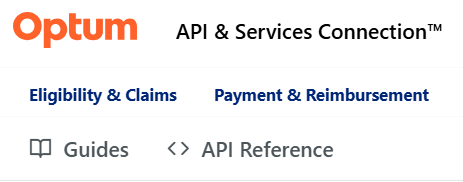
In the Developer Portal, there are two areas of documentation you can access.
- The Guides area provides more general use documentation for the Pharmacy Solutions products.
- The API Reference area enables you to view technical details for the API and use the Try It! interface within the Developer Portal.
Steps to use the APIs
To begin using an API, you must do the following:
- Visit the Marketplace to explore our products.
- Request Sandbox access for the API/product.
- Generate a Bearer token.
- Try our APIs in the Try It! interface.
- Perform an API health check.
- Integrate our APIs into your production environment
Security and Authorization V3
Optum uses OAuth2 specification to establish a secure connection with our API users. This is a secure authorization workflow that allows consumers to obtain a short-lived (two hours) Bearer token that must be transmitted with subsequent API requests to securely access our APIs with unique credentials specific to an API environment, API product, and to your organization.
Updated about 2 months ago